
Use Pangolin to create parametric Consteel models in Rhino-Grasshopper
Pangolin is a Rhino-Grasshopper plugin designed to connect parametric modelling workflows with the powerful structural analysis and design capabilities of Consteel. With Pangolin, you can build complex, adaptable structural models directly in Rhino-Grasshopper, then send them to Consteel for detailed analysis, steel design and optimization without losing model intelligence or requiring manual remodelling.
Note: Pangolin works exclusively within the Rhino-Grasshopper environment.
Why choose Pangolin?

Parametric Complex Modeling
Using Pangolin you can create complex steel structural model definitions that include details such as highly configurable hot-rolled and cold-formed sections, tapered and haunched members, surface loads on load transfer surfaces distributing them onto beams and so on. Parametric modeling ensures that geometry and structural behavior precisely match your design intent. This makes the design process faster, transparent, and reliable.

Easy Consteel Integration
Pangolin enables the externally controlled use of Consteel for direct analysis and design. Then the results can be investigated in Grasshopper, such as deformations, internal forces and reactions based on first- and second-order analysis, resistance and buckling design checks, ensuring that your decisions are accurate from concept to detailed design.

Intelligent & Flexible Workflow
Pangolin runs independently from Consteel, allowing you to save and export models for later use. Integrated parameters and automatic data conversions with other Rhino-Grasshopper components streamline your workflow, while iterative modifications support continuous design updates.
How to get started with Pangolin?
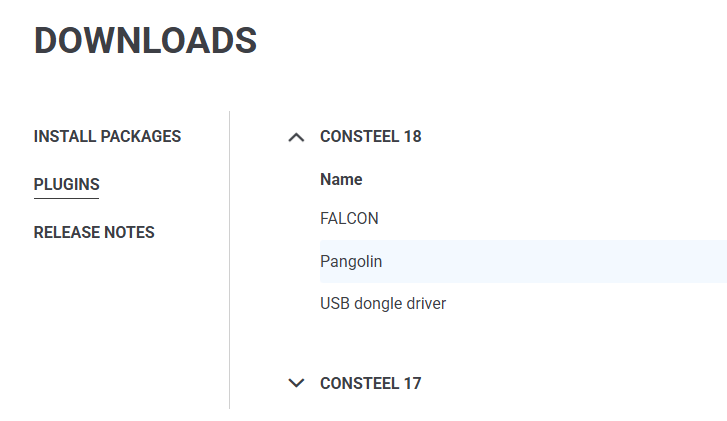
Step 1: Download & Install
Get started by installing the Pangolin plugin for Rhino-Grasshopper (free Rhino-Grasshopper license is available). Download the installer from our site or visit Rhino’s Package Manager. For the Consteel connection, you can try our trial version for free.

Step 2: Getting Started
Watch our video tutorials to learn the basics and start creating parametric structural models with Pangolin.
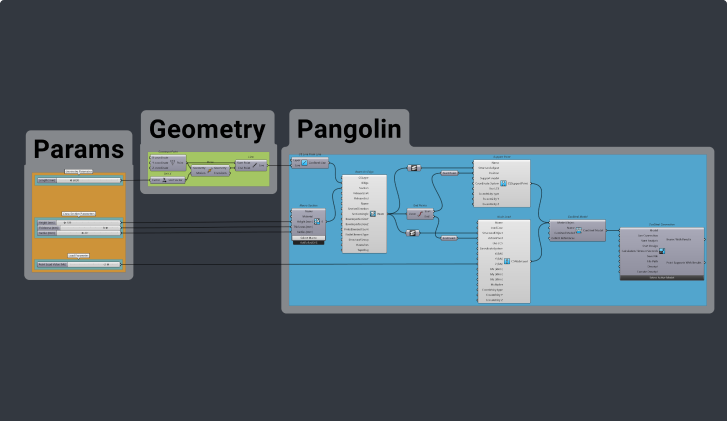
Step 3: Learn More
Expand your Pangolin knowledge with guides, tips, and example scripts to improve your skills and master parametric design.
HOW PANGOLIN IMPROVED OUR CUSTOMERS WORK?
Try Consteel & Pangolin Free for 30 Days
Experience the full potential of Consteel and Pangolin with our free trial:
Important note: Trial is for non-commercial use only. Documentation will be watermarked. Local saving and offline usage are not available during the trial. Pangolin is free, but efficient usage requires a Consteel license. To start with Pangolin, we recommend our script library for hands-on examples.
Start your 30-day Trial and explore how Consteel and Pangolin support smarter, faster, and more confident structural design.
INTERESTED IN CUSTOM PANGOLIN DEVELOPMENT?
The development of a user-friendly, parametric structural design tool for cold-formed steel modular buildings
We specialize in creating tailored, parametric structural design tools that streamline engineers’ workflows and generate accurate material lists. See how we helped one of our partners develop a custom tool for modular steel structures—and hear how satisfied they were with our collaboration.
Ready to explore a solution for your project? Get in touch with us today!
knowledge behind Pangolin

Get to know Pangolin
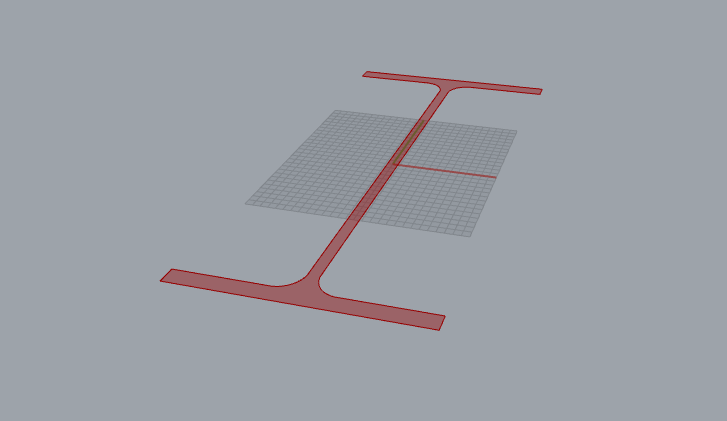
Model definition with Pangolin
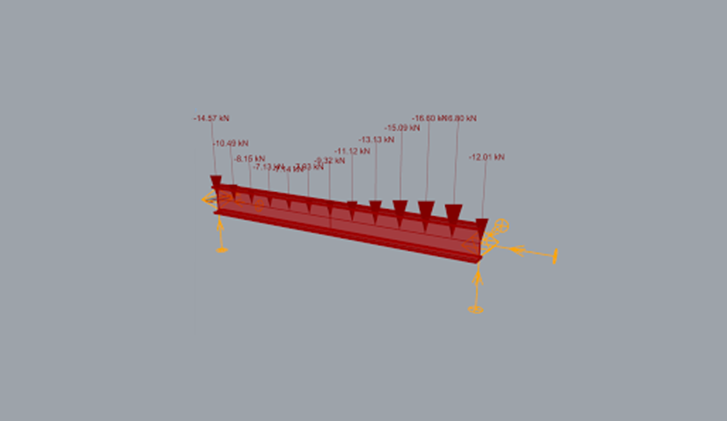
Utilizing Pangolin in a „Consteel first workflow”
OUR PARTNERS


















SIMPLIFY YOUR DESIGN PROCESS